My Workflow & Setup
Here's my complete development setup and workflow using ROG laptop with Arch Linux, featuring i3wm and Hyprland window managers for maximum productivity and customization.
📷Workflow Gallery
🖼️Visual Showcase
A collection of photos showcasing my development environment, workflow demonstrations, and the aesthetic beauty of a well-configured Linux system.
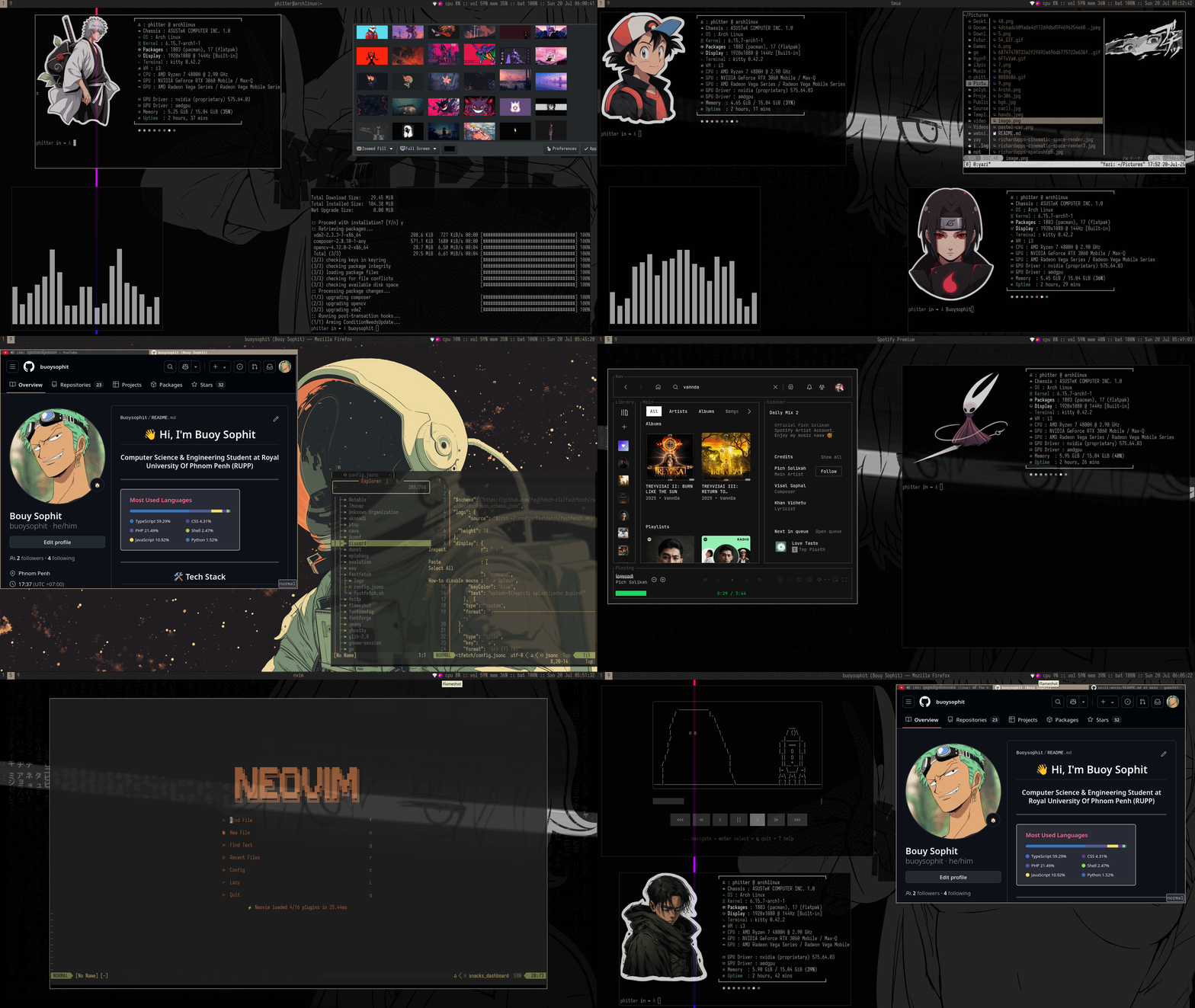
Complete Workflow Overview
My primary development workspace showcasing the complete i3wm setup
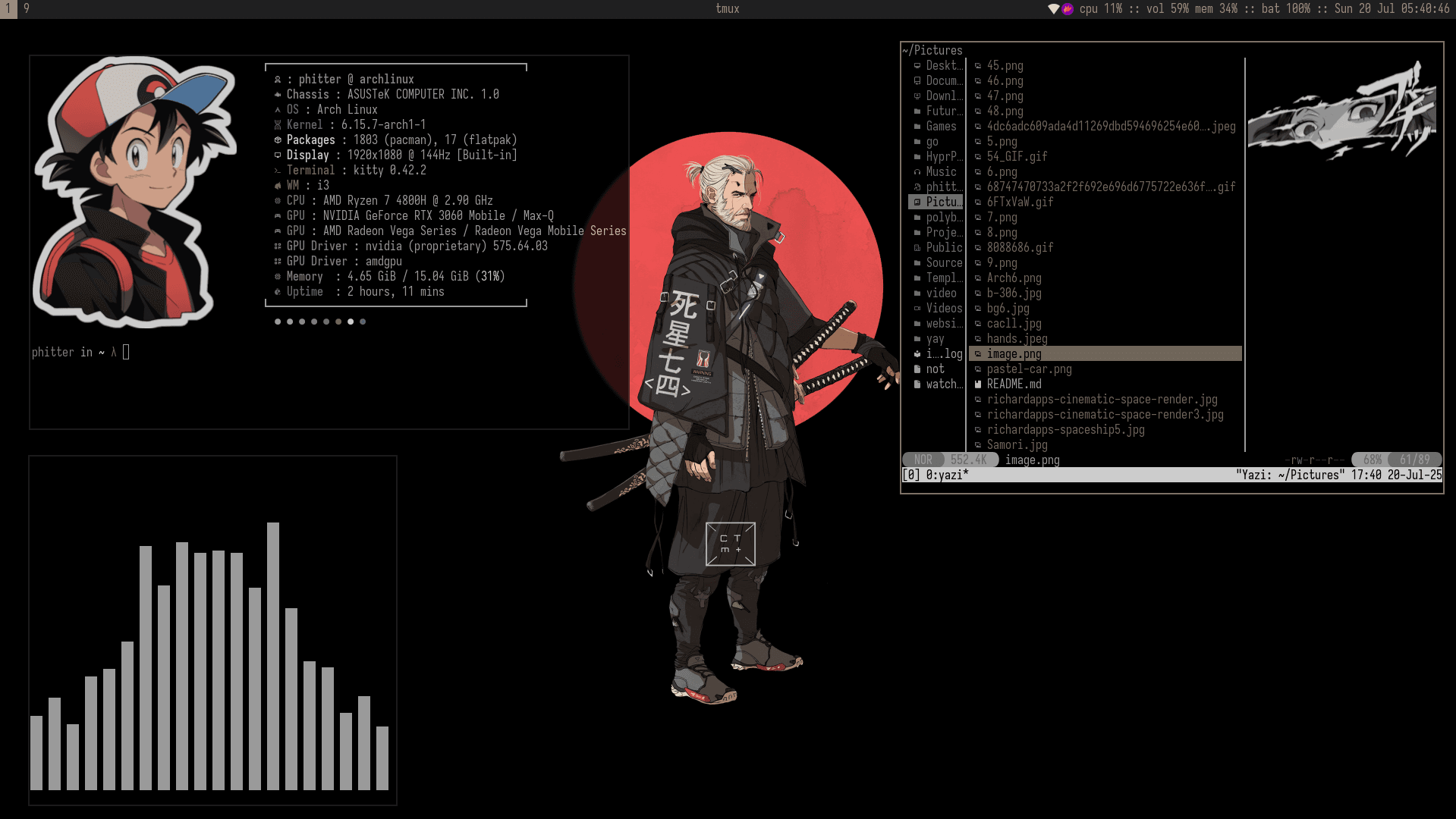
Active Development Session
Multiple terminals and code editors in productive coding workflow
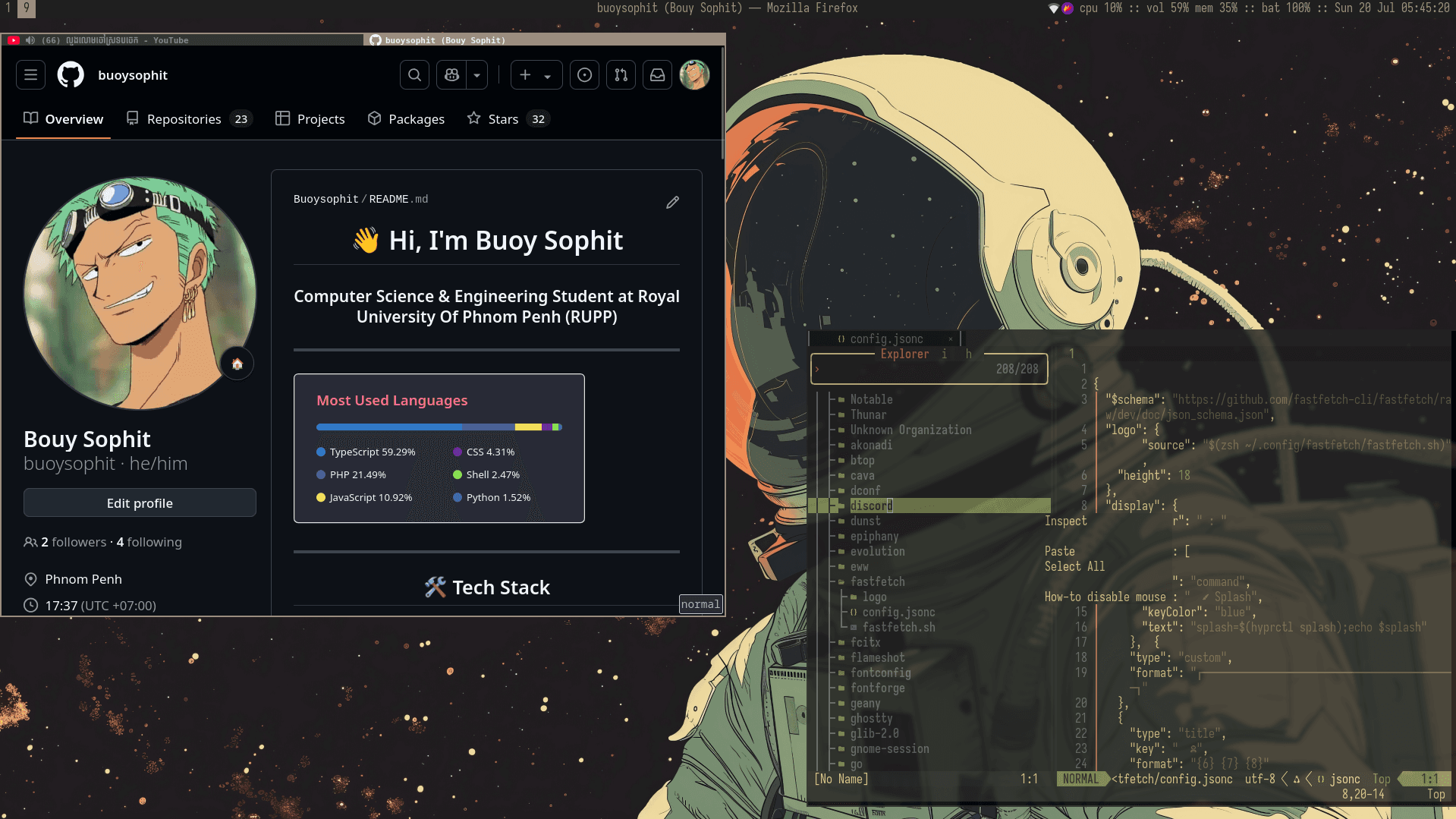
Terminal-Centric Workflow
Command-line focused development environment with multiple panes
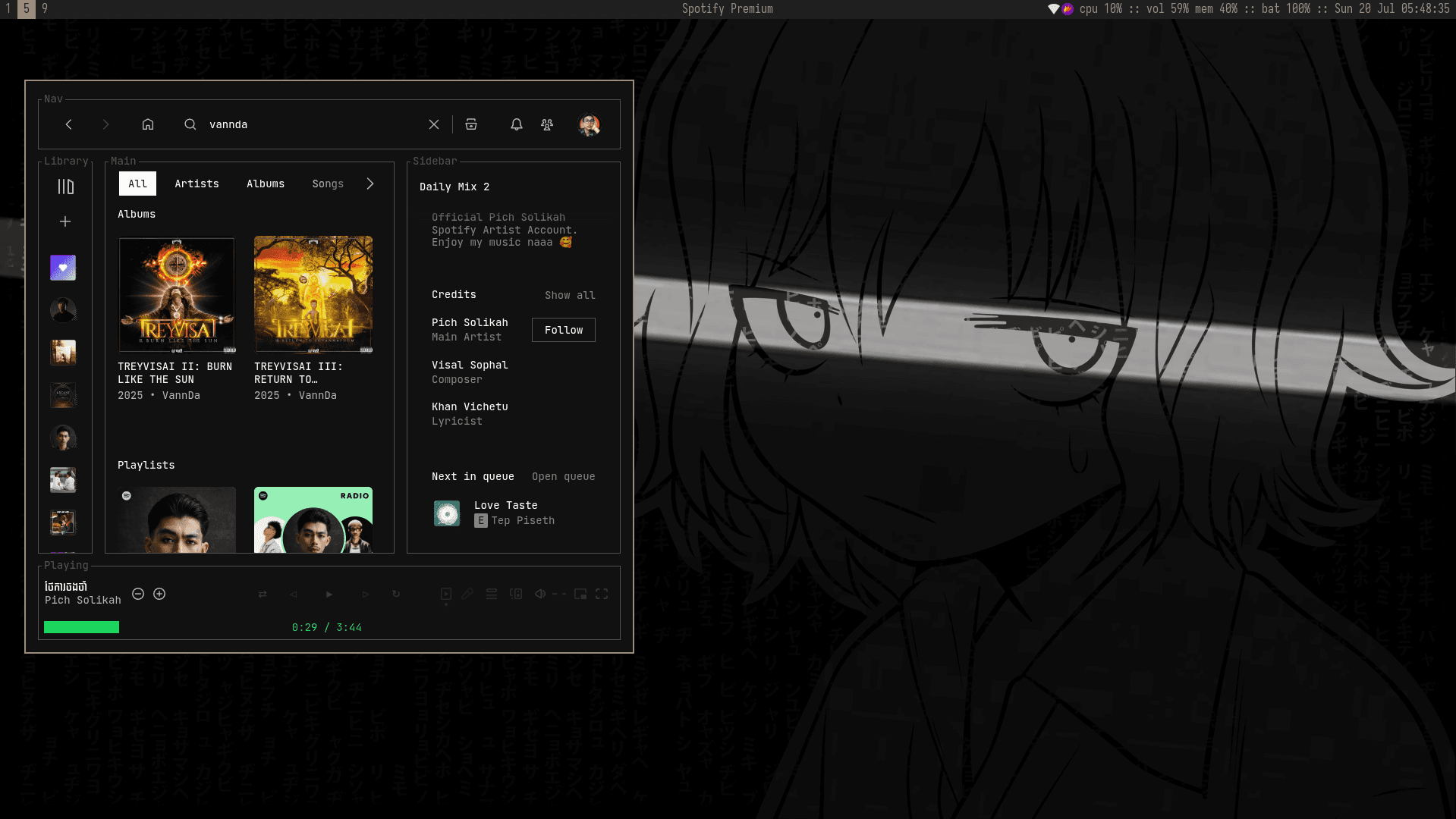
System Resource Management
Real-time system monitoring and resource usage visualization
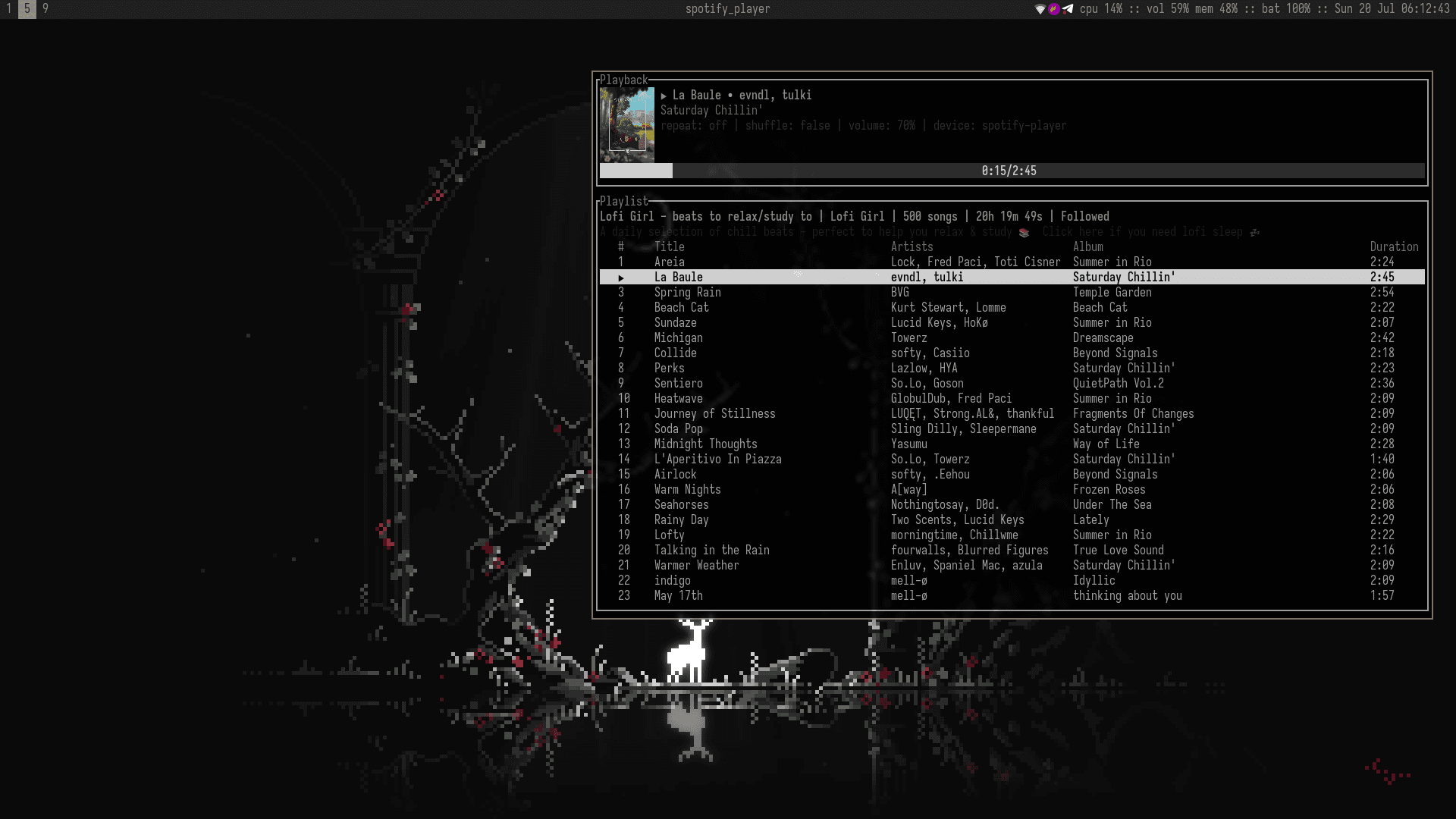
i3wm in Action
Dynamic window tiling and workspace switching demonstration
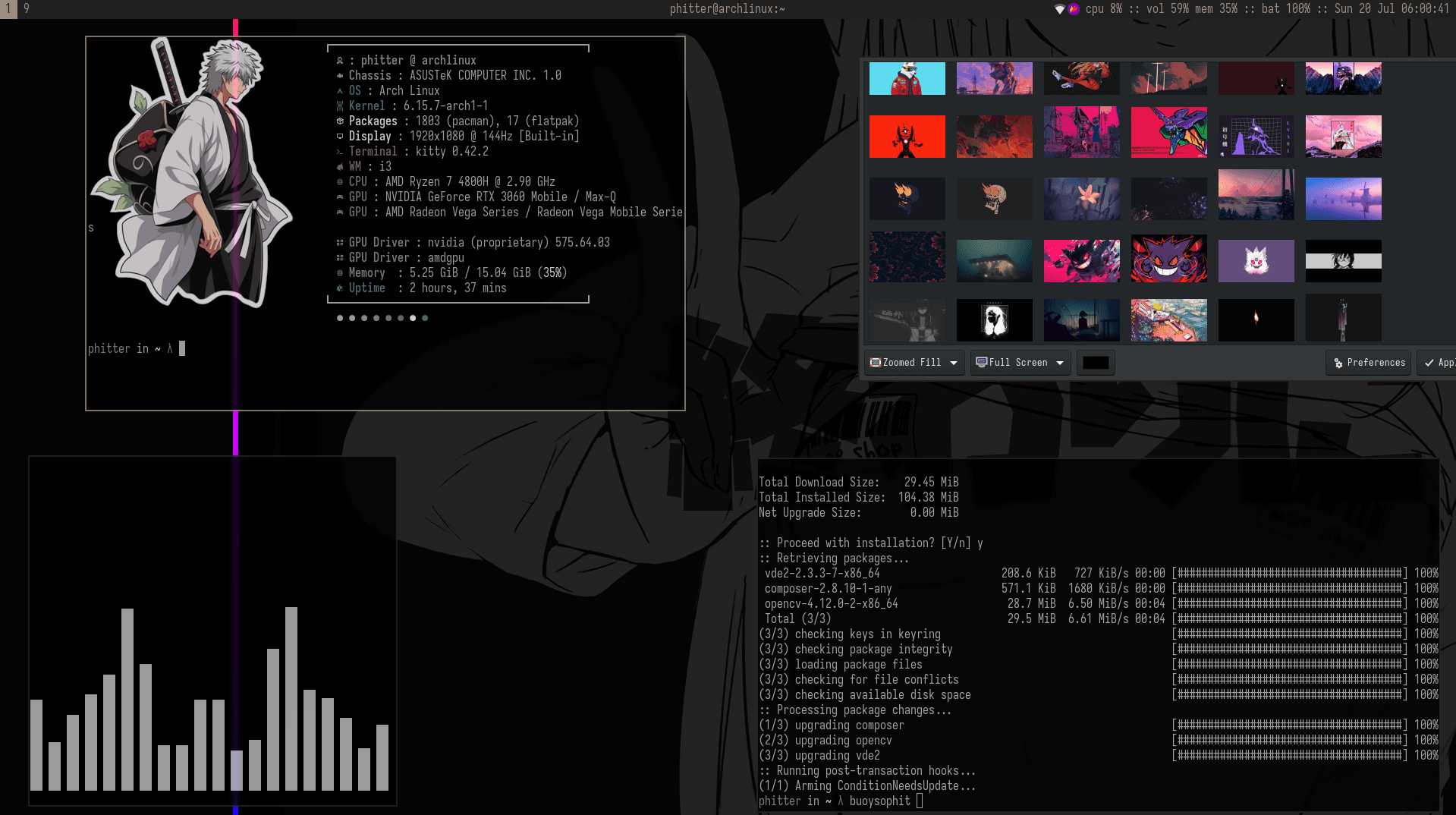
Customized Terminal Environment
Highly customized terminal with enhanced productivity tools
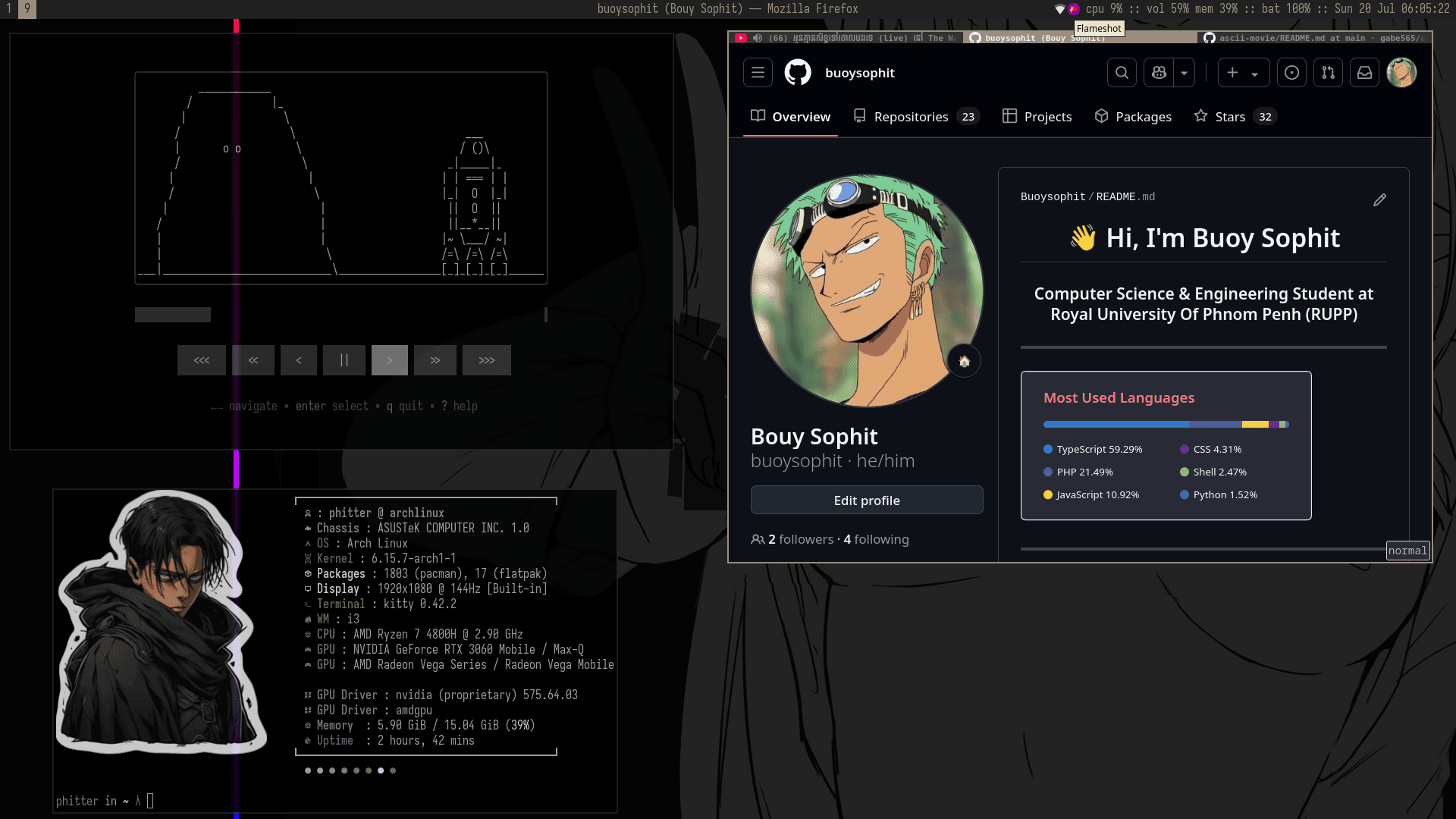
Application Launcher & System Tools
Rofi application launcher and integrated system management utilities
💻Hardware & Operating System
🏎️ROG Gaming Laptop
My primary development machine optimized for coding, designing, and high-performance computing
🐧Operating System
Rolling release Linux distribution known for its simplicity, minimalism, and bleeding-edge packages. Provides complete control over the system with exceptional performance.
⚡Performance Benefits
🪟Window Managers
⌨️i3wm - Primary Setup
Tiling Window Manager for Maximum Productivity
My go-to window manager for development work. Features automatic window tiling, workspace management, and complete keyboard control for efficient coding sessions.
Key Configuration
Features I Use
- • Polybar with system monitoring
- • Custom workspace layouts
- • Rofi application launcher
- • i3-gaps for clean spacing
✨Hyprland - Modern Experience
Wayland Compositor with Beautiful Animations
For creative work and presentations when I want a more visually appealing desktop with smooth animations and modern Wayland features.
Visual Features
Use Cases
- • Creative design work
- • Client presentations
- • Media consumption
- • Modern app compatibility
🛠️Development Environment
Essential Development Stack
The core tools that power my development workflow
📝Editors & IDEs
🖥️Terminal & Shell
📊System Monitoring
🧠Workflow Philosophy
Performance First
Exceptional performance with minimal resource usage. Arch Linux with tiling window managers provides lightning-fast responses and efficient multitasking.
Total Customization
Complete control over every aspect of the desktop environment. Every keybinding, color, and behavior is tailored to my specific workflow needs.
Keyboard Efficiency
Mouse-free workflow with vim-style navigation and custom shortcuts. Rapid context switching between applications and workspaces.
Continuous Learning
Using Arch Linux and window managers deepens understanding of Linux systems, shell scripting, and system administration.
⚙️Configuration Highlights
🔗My i3wm Configuration
Complete dotfiles and configuration for my Arch Linux i3 setup
Repository Features:
Ready to explore my configuration?
Complete setup guide, keybindings, and customization tips included